Speed traces are the raw story of your riding — every acceleration, braking zone, and apex speed plotted over distance. Learning to read them turns LapBrain from a recommendation engine into a data analysis tool you can explore yourself.
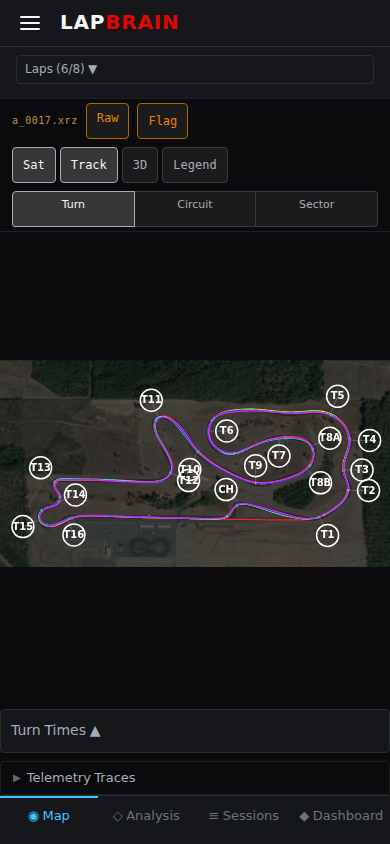
The speed trace
The speed trace shows your velocity through a corner or across a lap. It's the most fundamental telemetry view.
What to look for:
- Smooth vs. jagged — a smooth speed trace indicates controlled riding. Jagged traces suggest abrupt inputs or corrections.
- Braking shape — a long, gradual deceleration curve means you're Trail brakingTrail brakingMaintaining brake pressure while leaning into a corner, loading the front tire and tightening the turning arc. effectively. A sharp cliff means you're braking hard and releasing abruptly.
- V-shape vs. U-shape — a V-shaped speed trace through a corner means you braked late and hard, hit a low minimum speed, then accelerated hard. A U-shape means more time spent at low speed in the Maintenance phaseMaintenance phaseThe middle portion of a turn where speed is roughly constant, between the end of deceleration and the start of acceleration. . Neither is inherently better — it depends on the corner.
- Exit ramp — how quickly does speed climb after the apex? A steep exit ramp means strong drive; a shallow ramp means you're tentative on the throttle.
When comparing laps, overlay the speed traces. The gap between them at any point shows exactly how much faster or slower you were at that moment. The biggest gap is usually your biggest opportunity.
Comparing best vs. average
Your best lap's speed trace is the target. Overlay an average lap and look for where the lines diverge:
- Divergence before the corner — you're braking earlier on the average lap
- Divergence at the apex — your minimum speed is lower (too much braking, or tighter line)
- Divergence on exit — you're getting on the throttle later or less aggressively
Each divergence point maps directly to a Turn phasesTurn phasesThe five stages of every corner: Entry, Decel, Maintenance, Accel, and Exit. Each phase has distinct techniques and metrics. — entry, maintenance, or exit.
What to do next
- Open a corner detail view and look at the speed trace for your best vs. an average lap.
- Find the biggest divergence point — that's where the time difference lives.
- Map it to a phase — is the divergence in braking (entry), minimum speed (maintenance), or acceleration (exit)?
- Read Comparing Laps Effectively for how to use these observations across all corners.